GOC43 - Library error issue solution
Example of the problem
After creating a new project for the GOC43 in Codesys there is a really high possibility of errors after clicking Generate Code or Log In. After that, in the messages window, a high number of errors will occur like in the example screen below:
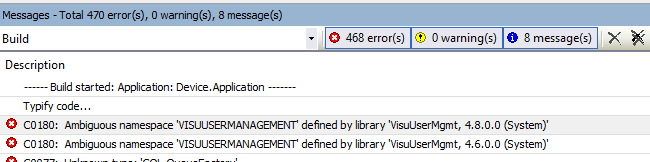
The most common error codes are C0180, C0077, C0086, C0136, C0090, C0032, C0063, C0062, C0046, C0234, C0235, C0066, C0035, C0231.
Solution for the problem
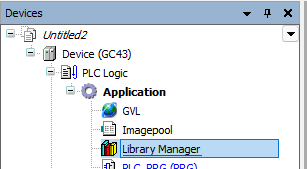
Go to the Library Manager in Codesys and click on the Placeholders tab:

Click the "Set all unresolved unbound placeholders to the newest available versions" button: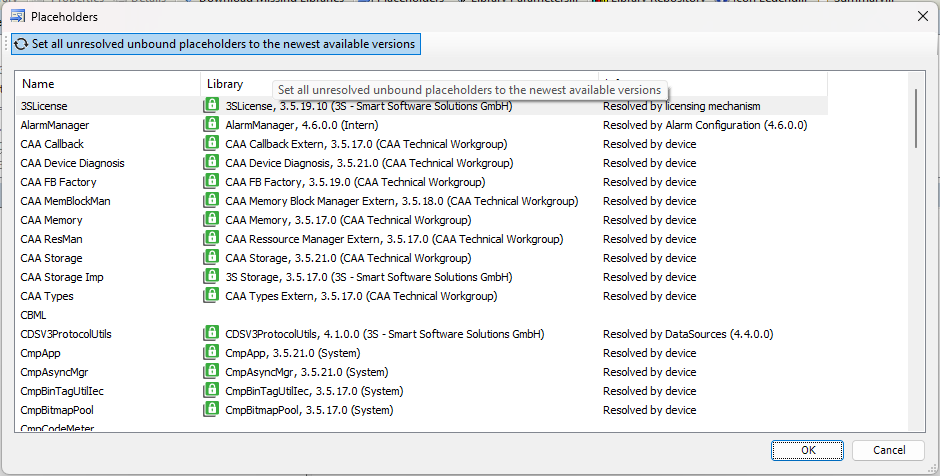
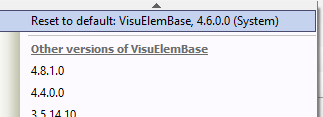
Next, set the VisuUserMgmt library to version 4.6.0.0:
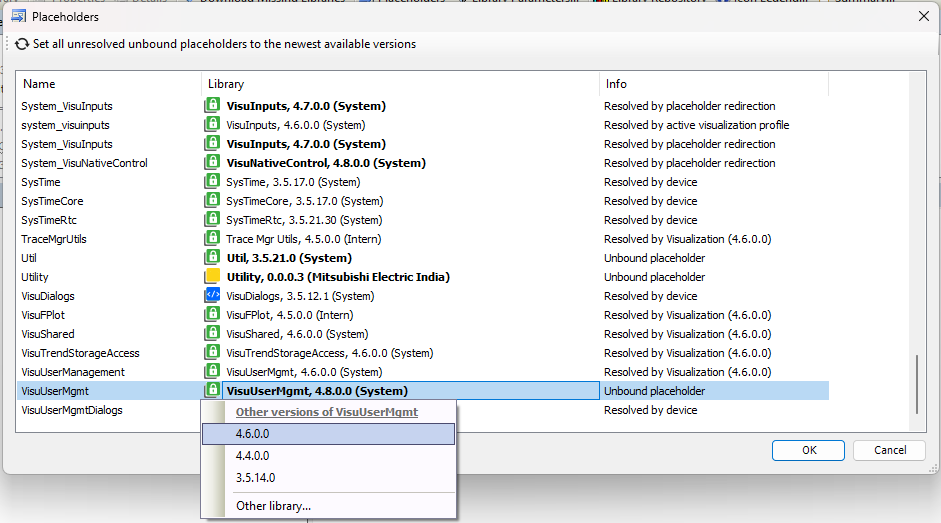
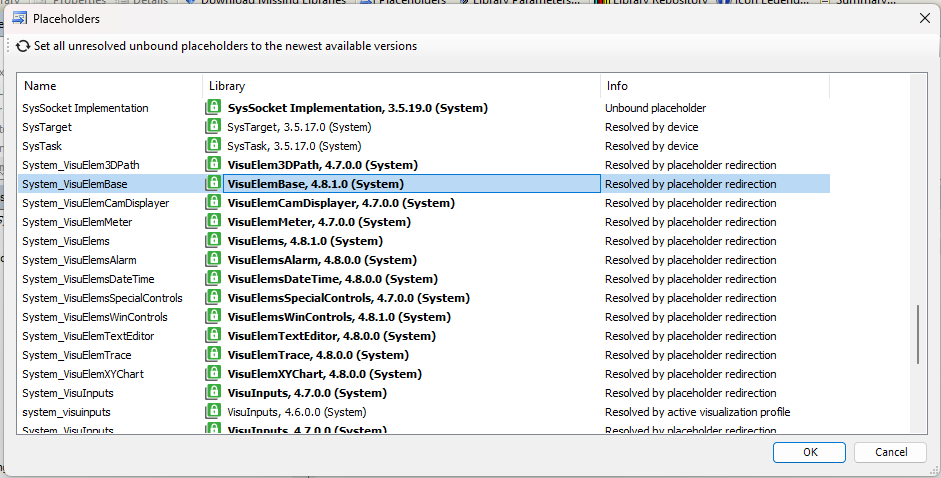
Every library in the System_Visu... category need to be set to the same version like so:
Before the conversion:
After the conversion: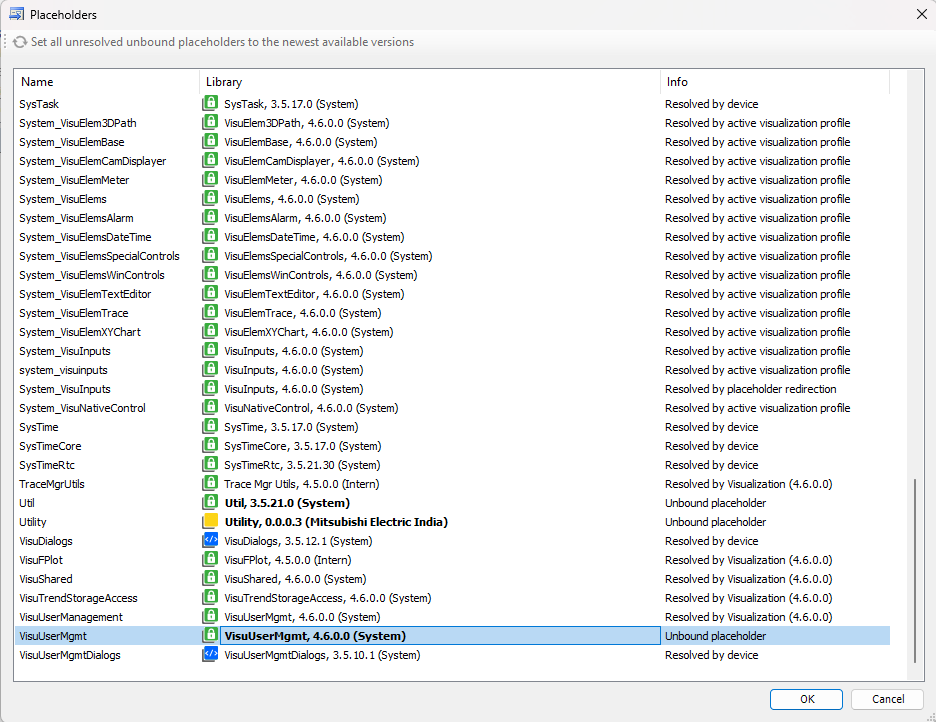
After that, the compilation should not create any more errors. After saving the project, these settings are also saved and there is no need to change them for this specific project.
Click the "Set all unresolved unbound placeholders to the newest available versions" button:
After the conversion: